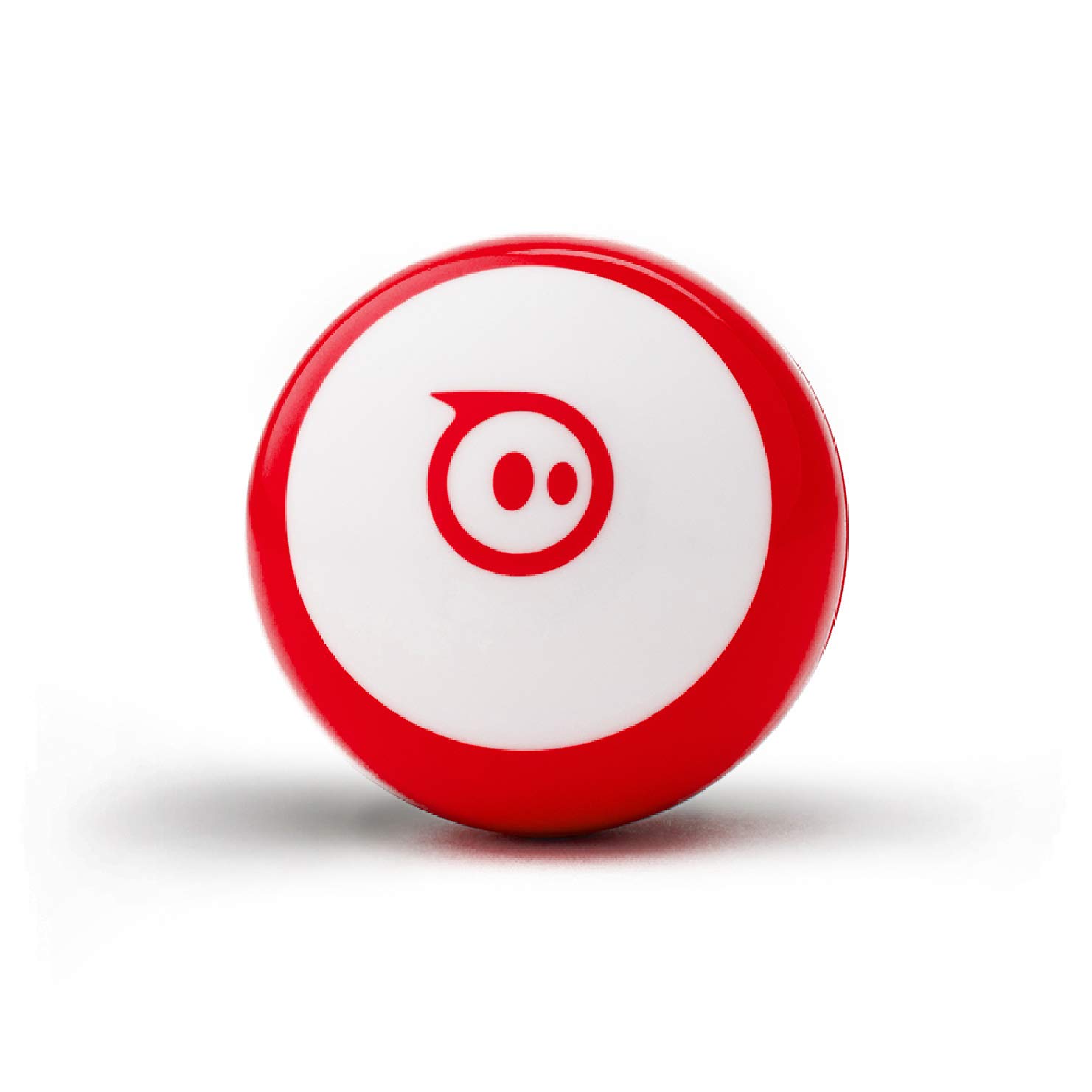
Sphero Mini App-Controlled Coding Robot Ball
✓ Product data checked October 23, 2026
Sphero Mini packs a gyroscope, an accelerometer and colored LEDs into a robotic ball small enough to roll across a desk. In the free Sphero Play app, kids steer it with Joystick, Slingshot or Tilt modes and use it as a controller for three arcade games. The Sphero Edu app then turns it into a coding project: drawing a path, snapping drag-and-drop blocks or writing real JavaScript. That progression keeps it interesting from age 8 into the teen years. Rated 4.6 by over 5,500 buyers, at around $50, it is a compact first step into programming.
Why it makes a good gift
Best for : A curious child of 8 or more, or a teen, who likes gadgets and games
Best occasion : A birthday or Christmas
Why it works : The same small ball works as a remote-control toy on day one and a real coding tool later, so the gift grows with the child instead of being outgrown.
Avoid if : The child has no access to a compatible phone or tablet.
For
Kids, Teen Boys, Teen Girls
Budget
$$$$ — Premium
Frequently asked questions
What age is it for?
Ages 8 and up, according to the listing.
What do you need to use it?
A phone or tablet with Bluetooth and the free Sphero Play and Sphero Edu apps.
Which coding methods are supported?
Drawing on screen, drag-and-drop blocks, and JavaScript.
How long does the battery last?
The Amazon listing does not say.